 Giano Care
Welcome to Giano Care
What Giano Care does, how a request travels through it, and where to start.
Giano Care is a shared workspace for helplines, associations and clinics. People who need support fill in your intake form; your coordinators send each request to the right professional; the professional calls the person back, books the calls and keeps count of them. Everyone talks about the work in one place, with a notification when something needs them.
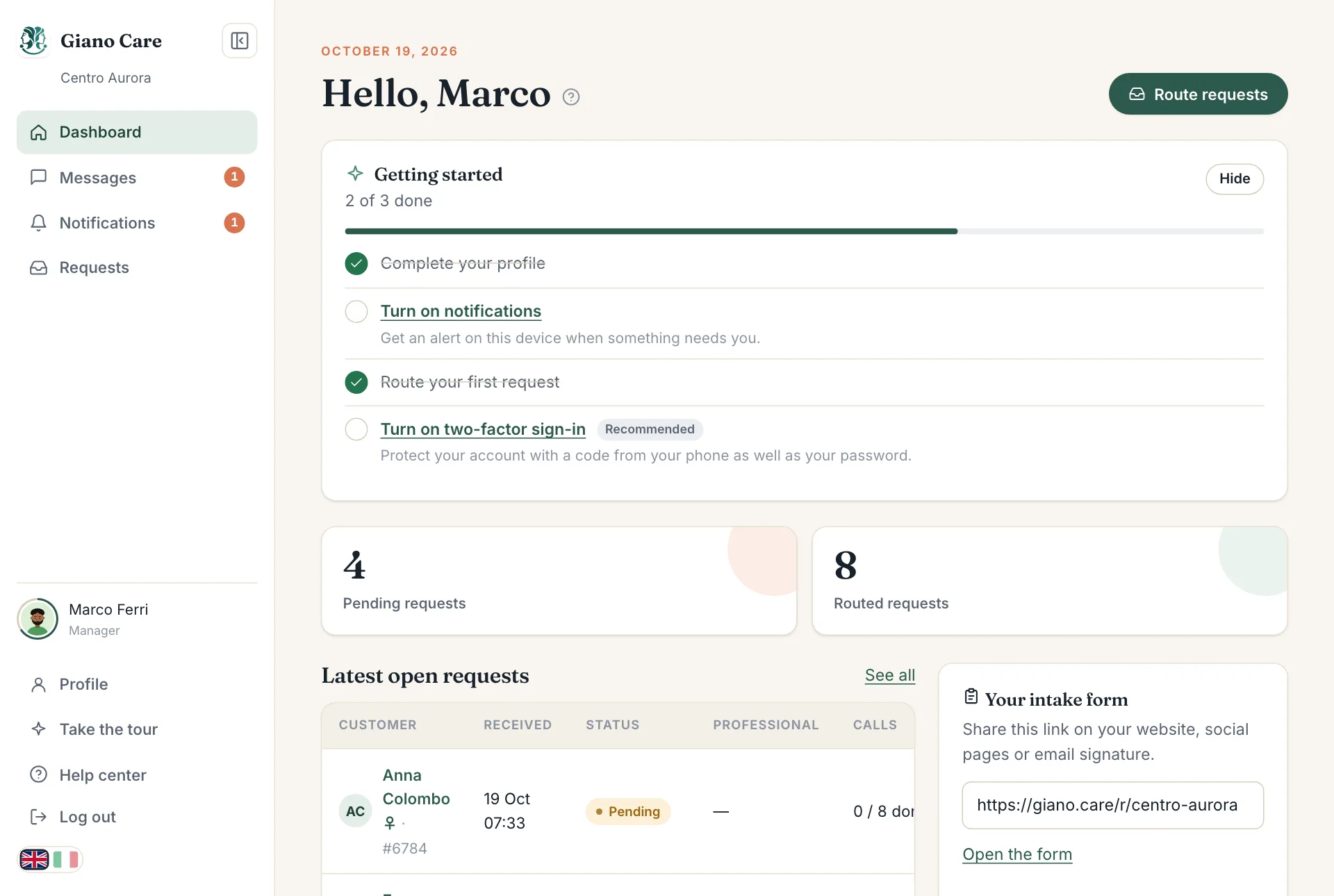
How a request travels
Every request goes through the same few steps. Its status, shown as a coloured label, always tells you where it is.
| Status | What it means | Who acts next |
|---|---|---|
| Pending | Someone sent your form. Nobody is looking after it yet. | A manager assigns it to a professional. |
| Assigned | A professional has been chosen and notified. | The professional accepts or declines. |
| Accepted | The professional is looking after the person. | The professional books and holds the calls. |
| Closed | No more calls are planned. | Nobody: it stays in the history and the statistics. |
| Cancelled | A manager stopped the request before it started. | Nobody. |
If a professional declines, the request goes back to Pending and the manager who assigned it is told, so they can choose someone else.
Who does what
Giano Care has three roles. Each person sees only what their role needs:
- Owners set up the organization: the intake form, the team, the settings, the statistics and the plan. They can also do everything a manager does.
- Managers (coordinators) receive requests and route them to professionals.
- Professionals look after the people assigned to them: they accept, book calls and close.
Roles and permissions lists exactly what each role can do.
Where to start
- You run the organization? Follow Set up your organization: it takes about five minutes.
- You coordinate requests? Read The requests list and Route a request.
- You take the calls? Read Your customers and Book and record calls.
In the app, the ? next to a page title opens the article about that page, and Take the tour in the side menu walks you around again.