 Giano Care
Messages
Write to colleagues privately or in groups, and discuss each request next to it.
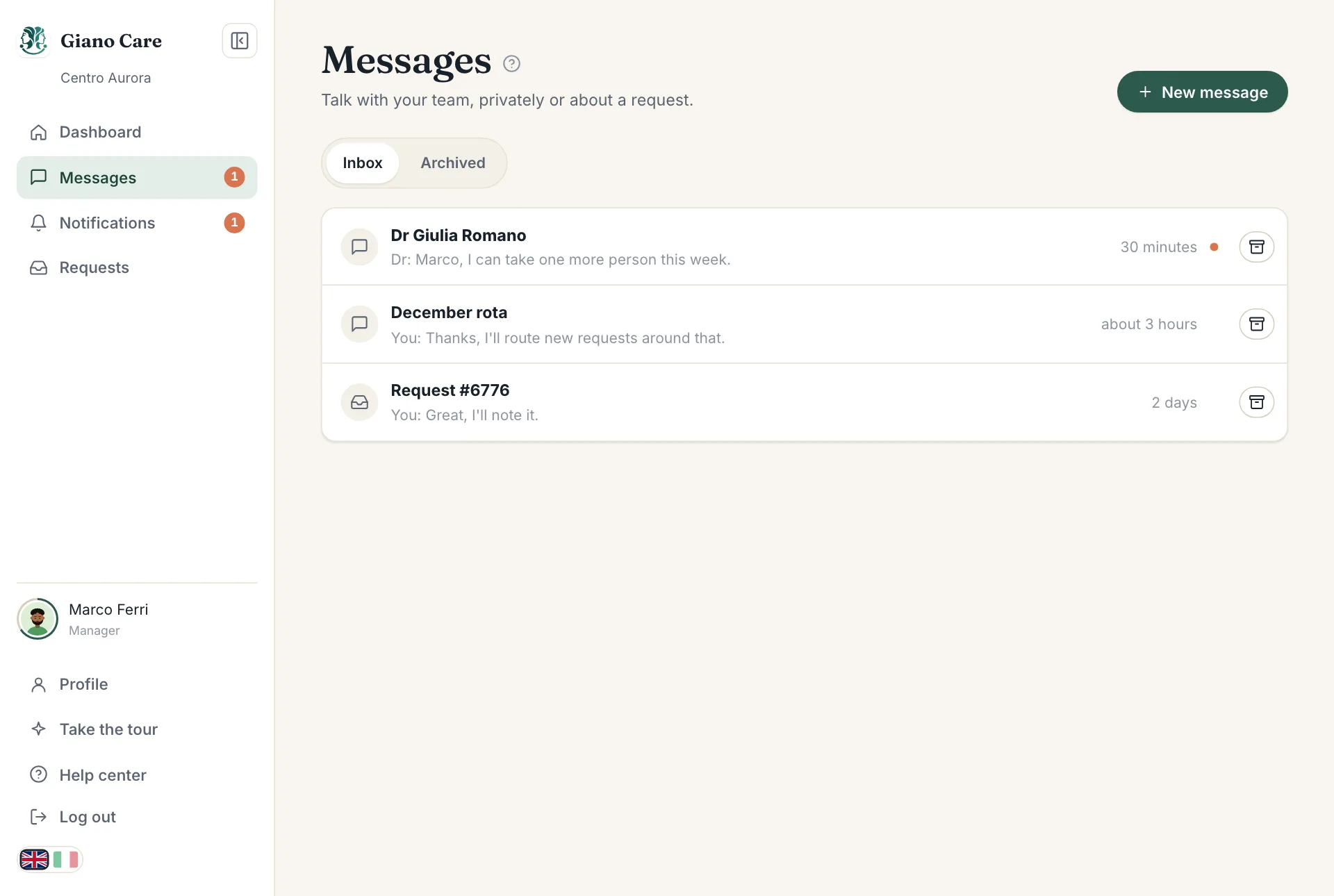
Messages keeps your team’s conversations inside Giano Care, next to the work, instead of scattered across personal chats. New messages appear instantly, with a counter in the side menu.
Start a conversation
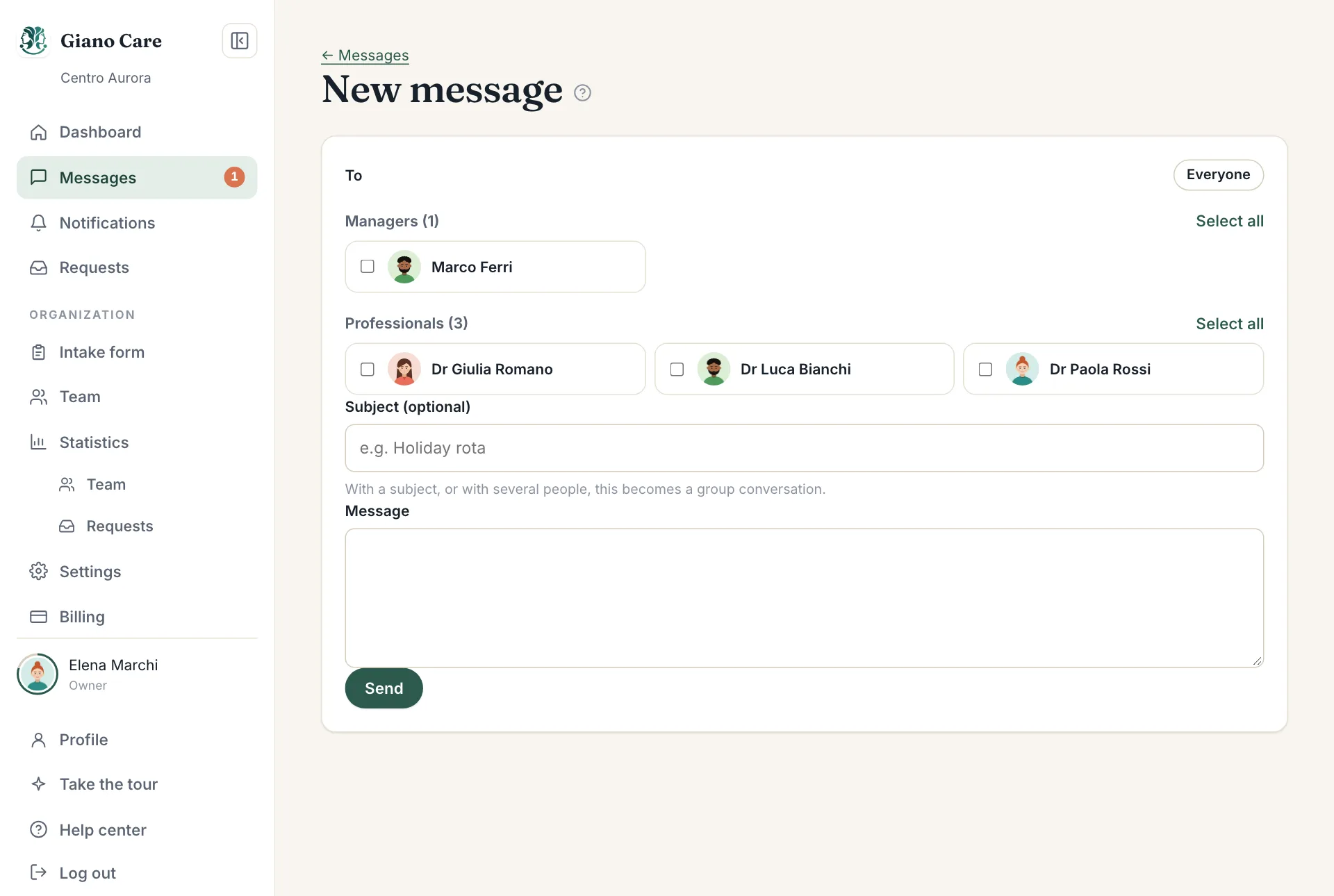
- In Messages, choose New message.
- Under To, pick one or more colleagues. Use the group names (owners, managers, professionals) or Everyone to select many at once.
- Optionally add a Subject, such as “Holiday rota”.
- Write your Message and press Send.
With one person and no subject, you get a private chat: writing to the same person again continues it. With a subject, or with several people, it becomes a group conversation.
Reply
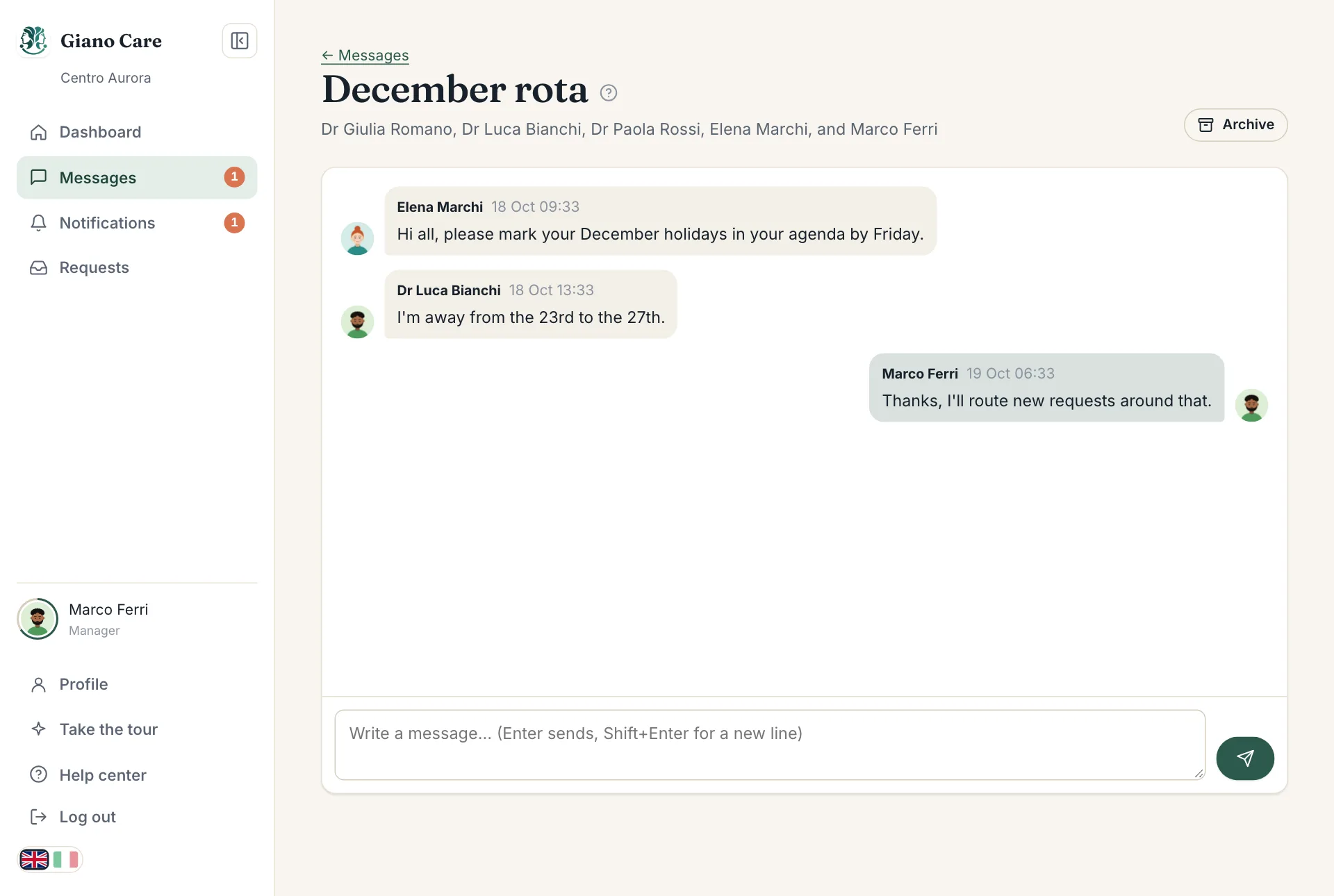
Open a conversation and write at the bottom. Press Enter to send and Shift+Enter for a new line.
Discuss a request
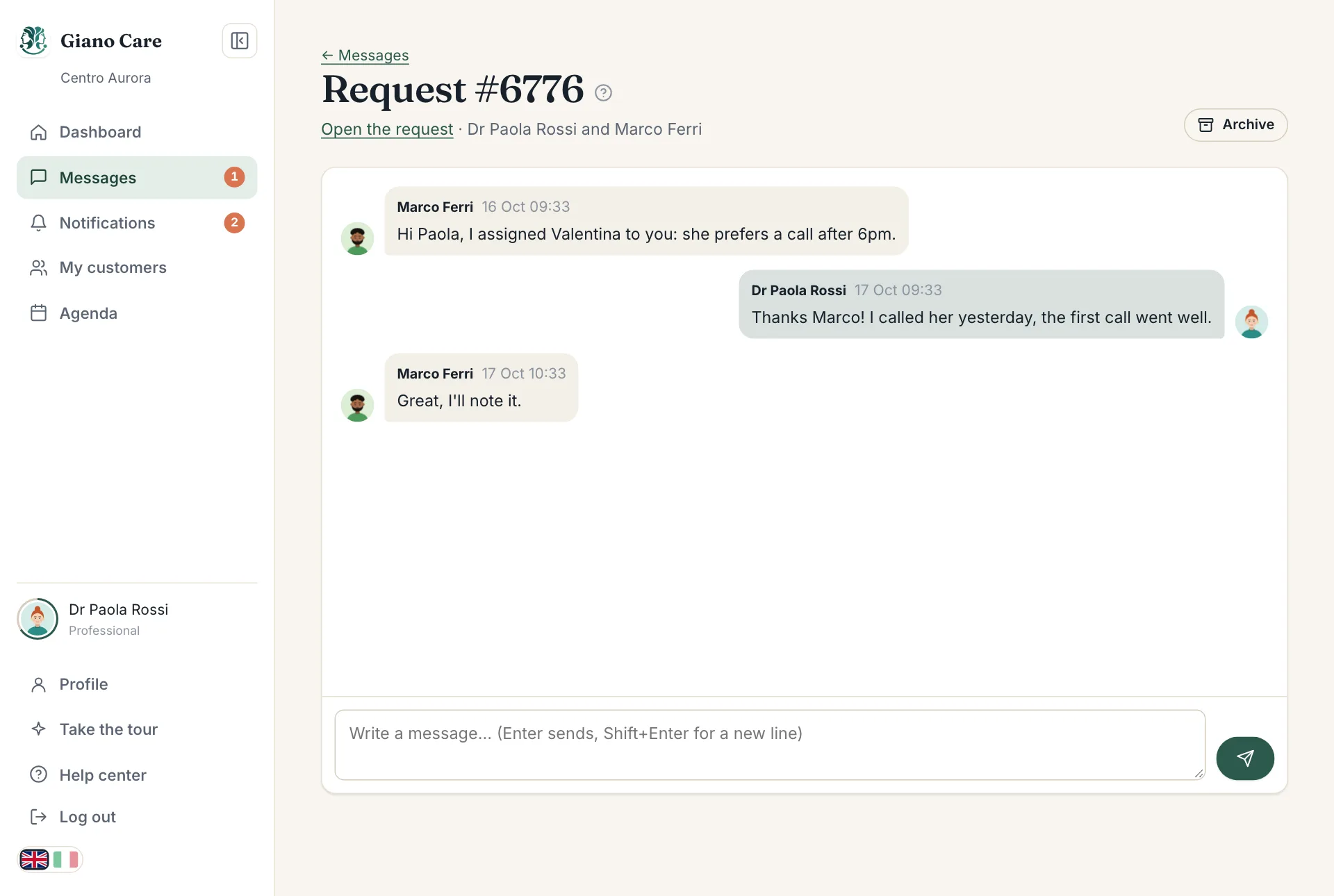
Each request has its own discussion, opened with Discussion at the top of the request. It is meant for the case: the coordinator and the professional exchange what matters right next to it.
Only managers and the professional assigned to the request can read it. The discussion has an Open the request link to jump back.
Archive
When a conversation is finished, choose Archive to tidy your inbox. It moves to the Archived tab and comes back to the Inbox by itself as soon as someone writes again. Archiving only affects your own inbox.
Email about messages
If you can’t keep Giano Care open, you can get an email when someone writes to you. To avoid a flood, it is sent only if the message is still unread after five minutes, and it never contains the message text. Choose it in your profile.