 Giano Care
Share your form
Your form's address, how it looks with your brand, your own domain, and when it goes offline.
For owners
Your form has its own public address, like https://giano.care/r/your-organization. Anyone with the link can ask for support; nobody needs an account.
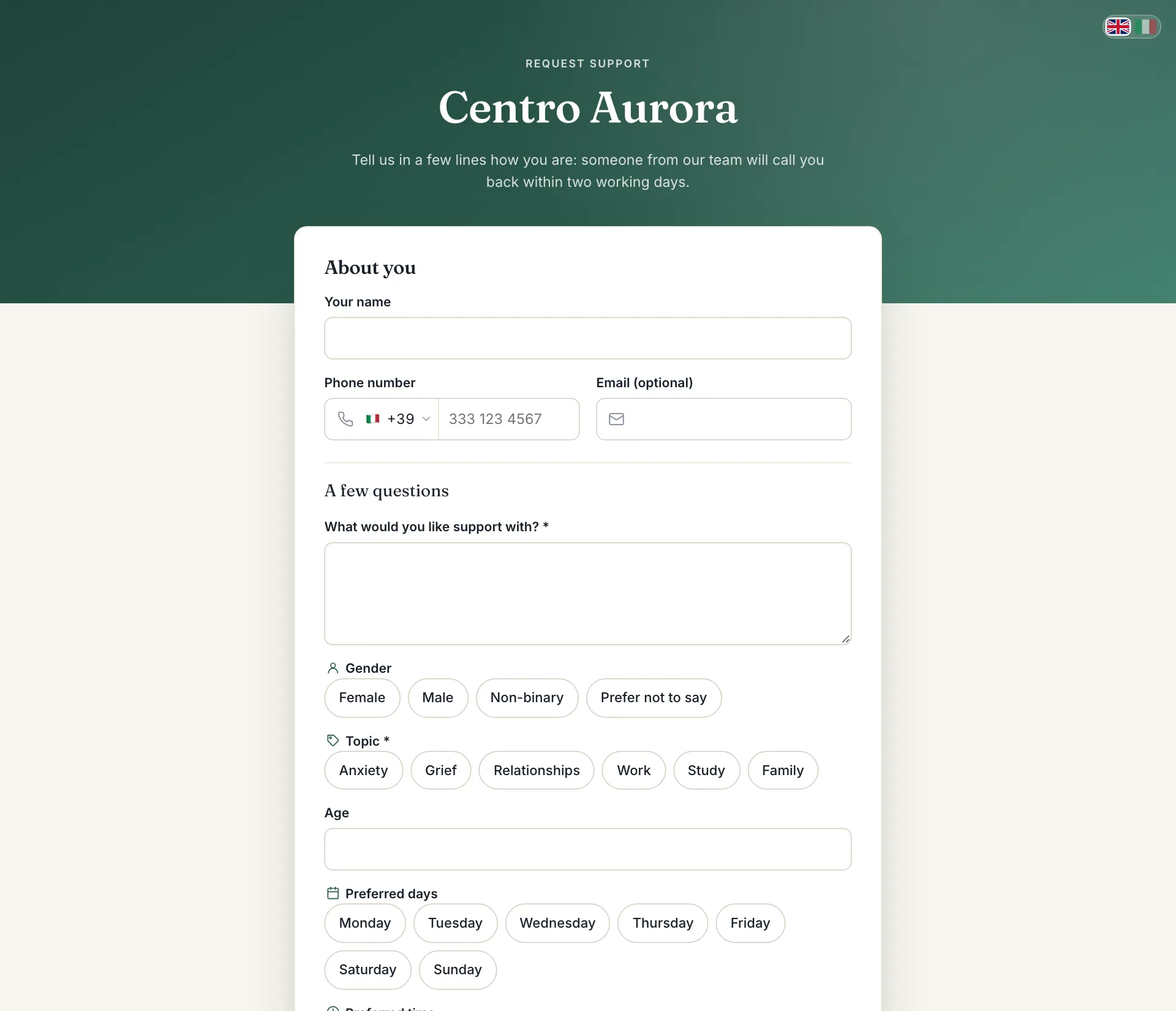
Find the link
The link is on your dashboard, under Your intake form, with Open the form to try it. It is also at the top of the Intake form page.
Where to put it
- on your website, as a “Request support” button;
- on your social pages and in your email signature;
- on leaflets and posters, as a QR code made from the link.
Make it yours
In Settings, under Public form:
- your logo shows at the top;
- the Brand colour colours the header, buttons and links;
- the Intro text replaces the default welcome sentence;
- Your privacy policy link replaces Giano Care’s privacy page in the form.
The form follows each visitor’s browser language (English or Italian), with a switch at the top.
Your own domain
The form can also answer on your organization’s own domain, such as support.your-organization.org, instead of the giano.care address. Write to us to set it up: you will need to point your domain’s DNS to Giano Care.
What people see after sending
A thank-you page tells them their request was received and that your organization will contact them soon. Their request appears at once under Requests, and managers are notified.
When the form is offline
People see “This form is temporarily unavailable” when:
- your trial has ended and no plan is active yet (see Plans and billing);
- on the Starter plan, the month’s 100 new requests have been reached; the form reopens at the start of next month.
People who already used all their calls see your quota message instead; see Call limits.