 Giano Care
Plans and billing
The free trial, choosing a plan and seats, paying, invoices, and what happens if a payment fails.
For owners
Billing is where owners choose a plan and manage payment. Other members never see prices or payment details.
The free trial
Every organization starts with 14 days of the whole product, with no card needed. A banner shows the days left. A few days before the end, the owners get a reminder email.
Plans
Every plan includes the custom intake form, messaging and notifications, the agenda and call limits, and statistics with CSV export. They differ in seats and extras:
- Starter: for a small volunteer team getting started. Email notifications only, up to 100 new requests a month.
- Team: for a coordinator and a team of professionals. Unlimited requests, extra seats, and the WhatsApp add-on available.
- Organization: for larger networks and clinics. Everything in Team, more seats included and priority support.
Current prices are on the pricing page and on the billing page itself. Prices exclude VAT, which is added at checkout where due.
Choose a plan
- Open Billing.
- Choose the plan, the number of Seats and the billing period: Monthly or Yearly (cheaper).
- Check the Total, then press Continue to payment.
Payment is handled by Stripe: Giano Care never sees or stores your card. Plans are paid upfront for the period. Your plan activates as soon as Stripe confirms the payment, usually within a minute.
You need at least as many seats as active members; see Team.
Invoices, card and seats
Once subscribed, Payment, seats and invoices opens Stripe’s billing portal, where you can download invoices, change card, add or remove seats, or cancel.
Paying by bank transfer
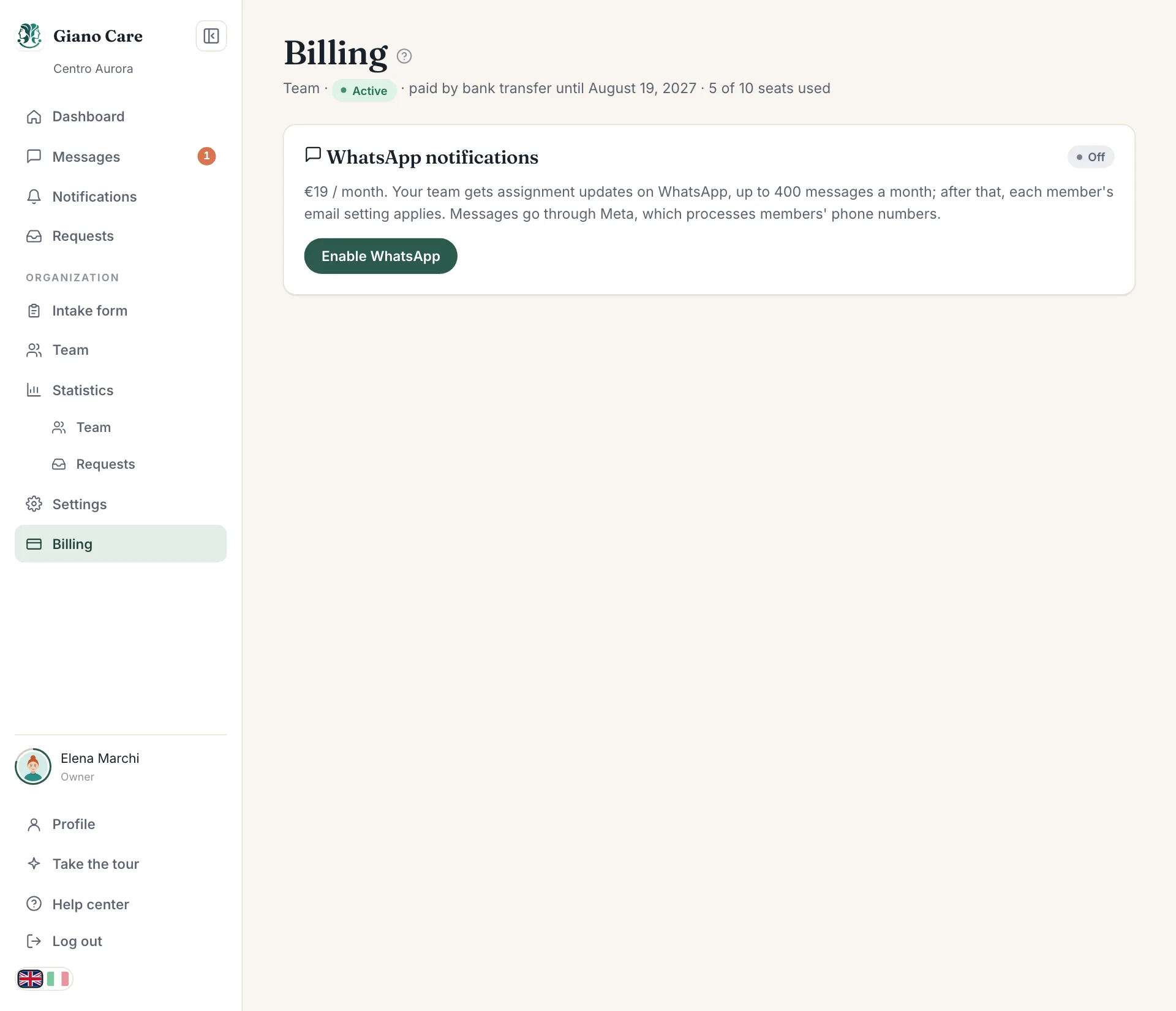
Organizations can also pay yearly by bank transfer. Write to us: once the payment arrives, we activate your plan and the billing page shows “paid by bank transfer until” the end date.
If the trial ends or a payment fails
- Trial ended without a plan: your data becomes read-only and your public form shows “temporarily unavailable”. Nothing is deleted straight away: choose a plan to carry on where you left off, or export your data from Settings.
- Payment failed: a banner says “The last payment failed”. Use Update your card; Stripe retries for a while before the subscription is cancelled.